Reasoning-first generation
Plan relationships, layout, lighting, and visual hierarchy before rendering complex instructions.
Create with Hy Image 3.5 right here. Turn ambitious prompts and reference images into polished visuals with reasoning-first composition, reliable typography, consistent subjects, and precise creative control.
Sign in to generate. Credit cost varies by resolution and is shown on the Generate button before you start.
One model. Many visual languages.
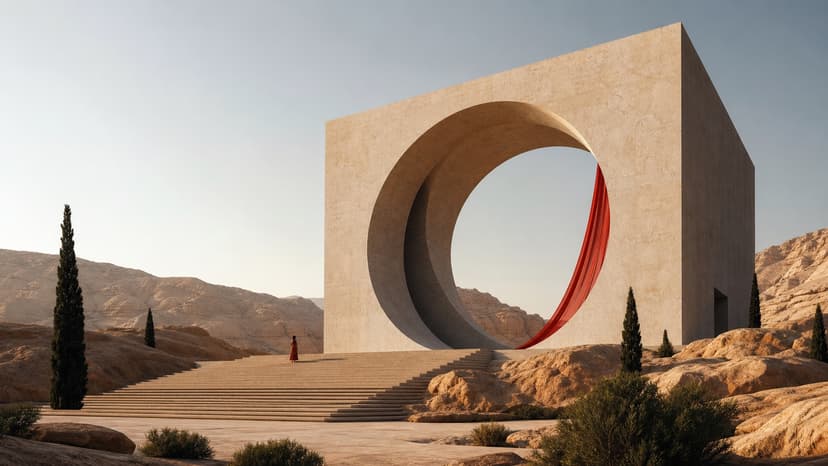
Move from cinematic worlds to precise commercial layouts without losing the idea that made the work yours.

Built for demanding creative work
A unified image workflow that understands the brief, protects visual identity, and gives every revision a clear purpose.
Plan relationships, layout, lighting, and visual hierarchy before rendering complex instructions.
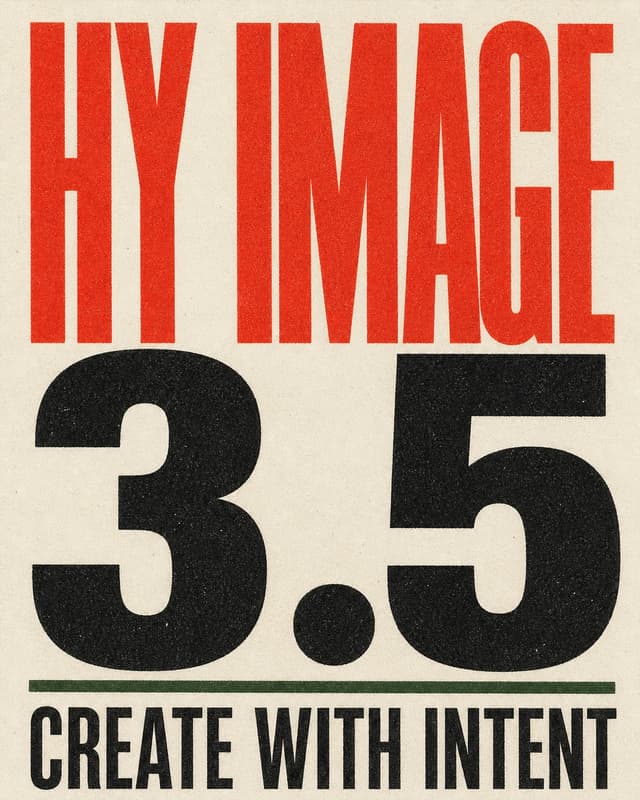
Create legible, styled copy for posters, menus, packaging, interfaces, and campaign assets.
Combine people, products, environments, and style references into one coherent result.
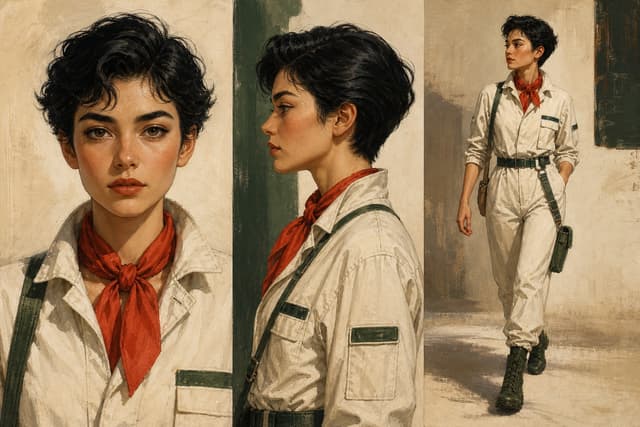
Carry recognizable subjects, products, colors, and design details across a complete series.
Add, remove, restyle, relight, or reframe elements through natural-language revisions.
Create high-resolution visuals across square, portrait, landscape, and ultra-wide formats.
Choose Hy Image 3.5 when the output needs tighter direction
Use this quick comparison to decide whether to start with Hy Image 3.5 or benchmark a Seedream-style workflow for broader exploration.
Made for work that ships
Create complete visual systems for the channels where your audience already lives.
Describe. Reference. Refine.
Keep momentum from the first sentence to the final export.
Write naturally about the subject, mood, composition, text, and intended use.
Guide people, products, palettes, and styles with one or more source images.
Ask for precise changes while keeping the parts that already work.
Go deeper before you generate
Prompt examples, API notes, and model comparisons help you choose the right workflow for each job.
Guide
Copy tested prompt patterns for portraits, products, posters, typography, and campaign visuals.
Open guideGuide
Review model access, resolution behavior, credit planning, and integration notes before building.
Open guideGuide
Compare text rendering, visual fidelity, reference workflows, pricing, and practical use cases.
Open guideAbout Hy Image 3.5
Everything you need to start creating with the next Hy Image experience.
Hy Image 3.5 is the image-generation workspace for creating polished visuals from prompts and reference images, powered here through the Image 2.5 generation models.
The page is branded as Hy Image 3.5 for this product experience while presenting the Hunyuan-style creative workflow and controls.
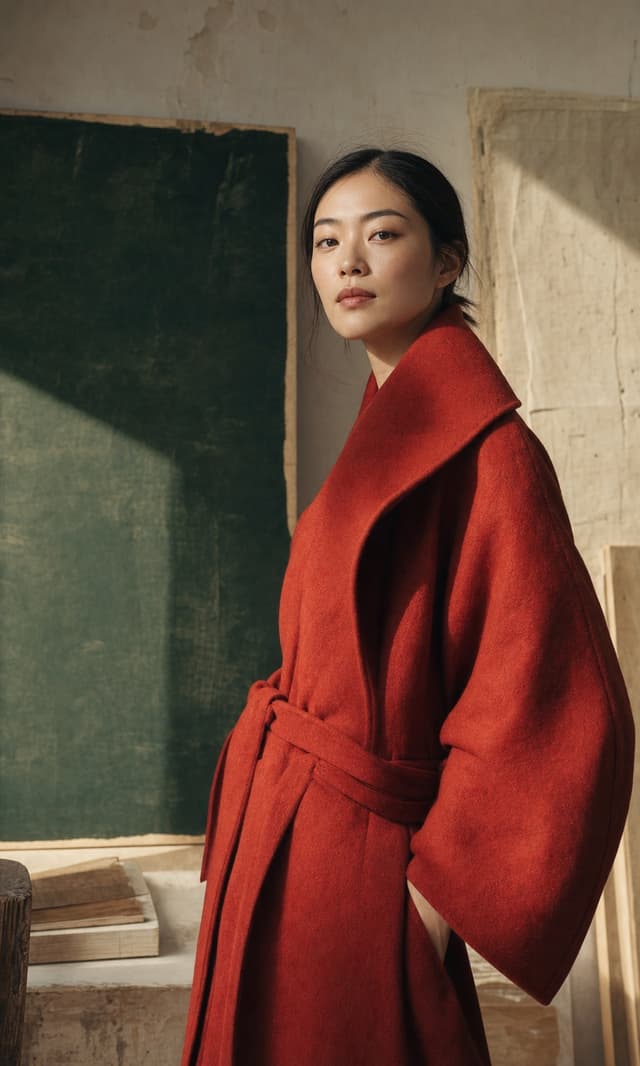
It can create portraits, product images, posters, concept art, multilingual typography, campaign visuals, and reference-guided compositions.
Yes. Switch the workspace to Image to Image, add source images, and describe the changes you want to make.
Prompts can be written in many common languages. English prompts usually give the most predictable control for detailed creative direction.
This workspace supports 1K, 2K, and 4K output with common square, portrait, and landscape aspect ratios.
Commercial usage depends on your plan, the source material you upload, and the applicable model/provider terms.
Use the generator at the top of this page, enter a prompt, choose Text to Image or Image to Image, and click Generate.
Your next visual starts here
Give Hy Image 3.5 the brief, the references, and the intent.