Prompt + result intent
Each example explains what the prompt is trying to control, so you can adapt it instead of copying blindly.
Prompt Library
Start from copy-ready Hy Image 3.5 prompt patterns for portraits, products, posters, social campaigns, typography, and reference-guided image edits.
Each example explains what the prompt is trying to control, so you can adapt it instead of copying blindly.
Use these structures for product shots, campaign stills, editorial portraits, and brand visuals.
Every prompt page links back to the Hy Image 3.5 generator so visitors can create immediately.
Prompt patterns you can adapt
Use these as working briefs, then change the subject, brand details, camera language, and output format.
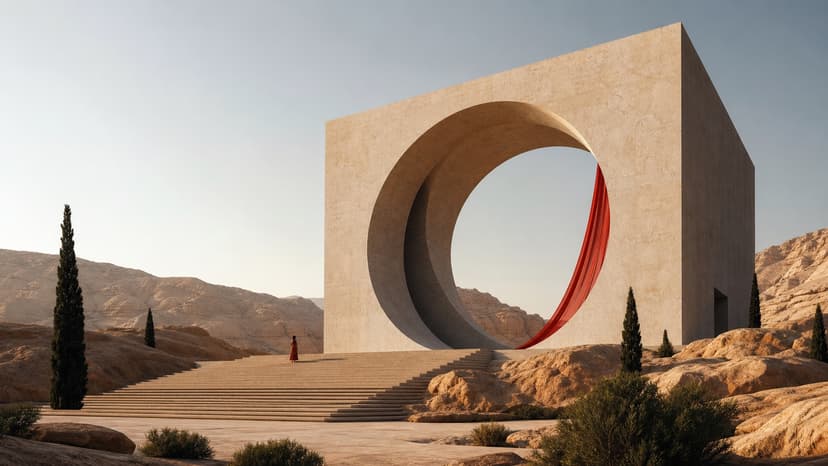
16:9 - 2K or 4K - commercial concept
Create an atmospheric architectural concept image of a monumental circular stone gate in a desert valley at sunrise. Use warm cinematic light, long shadows, minimal human scale, premium campaign composition, realistic material detail, and no logos or readable text.
Use this prompt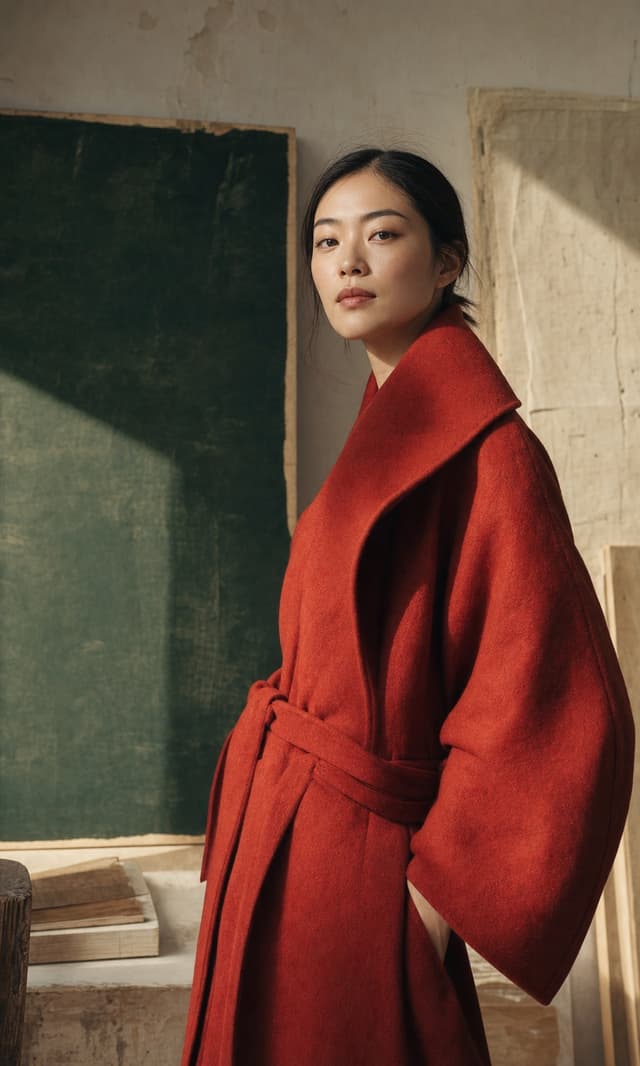
3:4 - 2K - portrait
Create a cinematic editorial portrait of a confident fashion model in a structured red coat standing near a sunlit concrete wall. Use shallow depth of field, warm side light, glossy magazine contrast, realistic skin texture, and a quiet luxury mood.
Use this prompt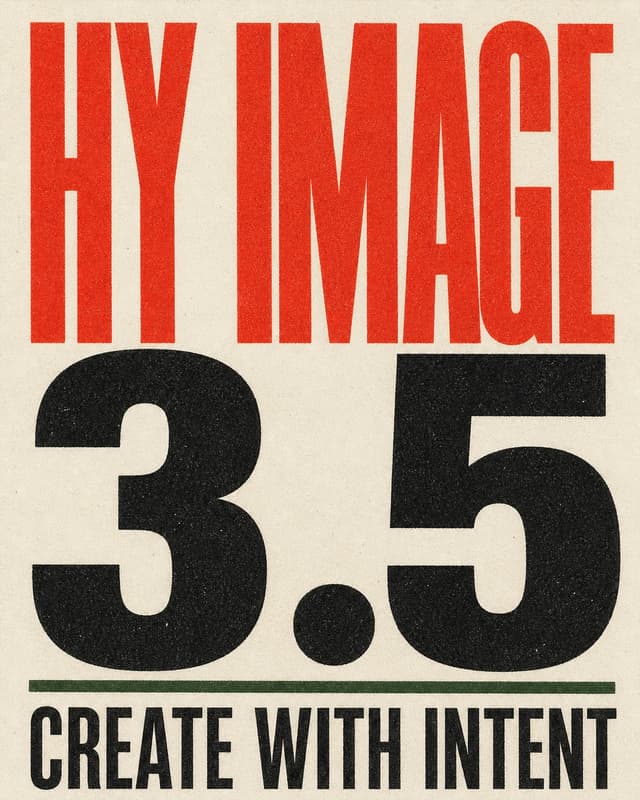
4:5 - 4K - poster
Design a bold multilingual typography poster for Hy Image 3.5 with oversized black type, refined paper grain, strong grid alignment, red accent blocks, and clean editorial spacing. Make the text legible, balanced, and print-ready.
Use this prompt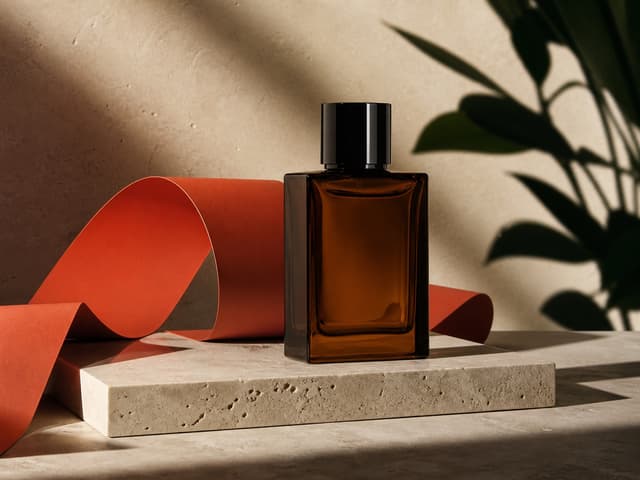
4:3 - 2K - product
Create a premium fragrance product photograph on reflective stone with soft botanical shadows, translucent glass, accurate label placement, champagne highlights, and a high-end beauty campaign composition. Keep the product centered and sharp.
Use this prompt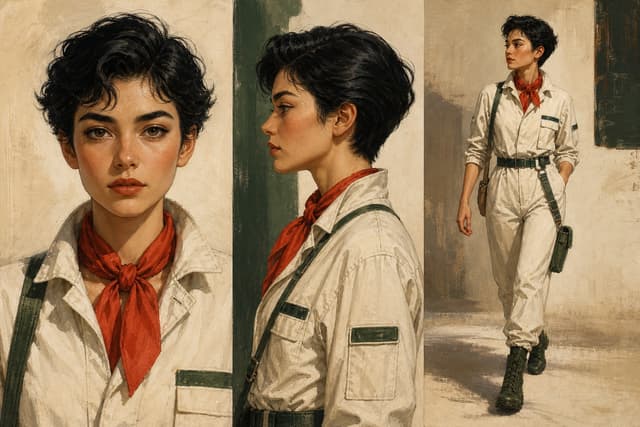
3:2 - 2K - series
Create a consistent character design study showing the same young explorer across three poses. Preserve face shape, outfit colors, hairstyle, and accessories while varying expression and camera angle. Use polished concept art lighting.
Use this prompt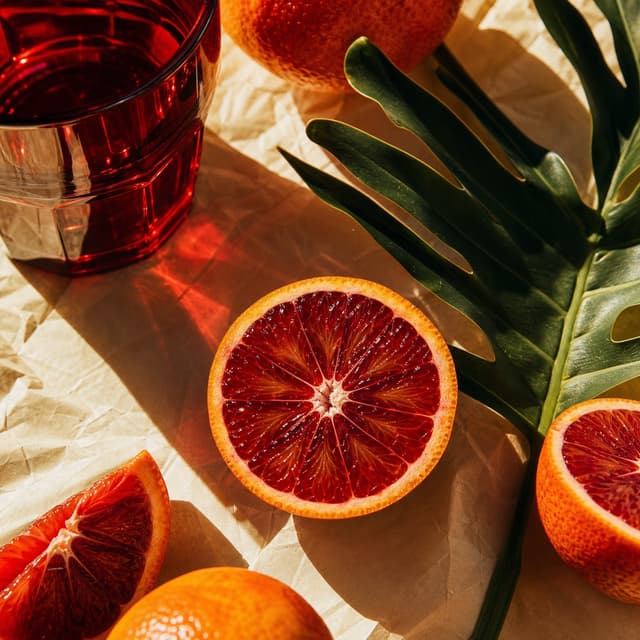
1:1 - 2K - social
Create a close-up citrus campaign still life with sliced blood oranges, a red glass tumbler, glossy green tropical leaves, crumpled cream paper, warm directional sunlight, crisp shadows, and energetic red-orange color. No writing or logos.
Use this promptTurn search intent into generation intent
These sections are written to answer what users search, then move them back into the product.
The best prompts give the model a creative brief, not just a subject. Name the subject, medium, light, composition, output use, and constraints.
Use Image to Image when identity, product shape, palette, or brand details matter more than pure exploration.
Related Hy Image 3.5 pages
Use these pages together so model, prompt, API, and comparison intent all reinforce the main generator.
Review model access, resolution behavior, credit planning, and integration notes before building.
Compare text rendering, visual fidelity, reference workflows, pricing, and practical use cases.
Return to the core tool page and create with 1K, 2K, or 4K output.
Quick answers
Short answers for searchers who are comparing, planning, or ready to generate.
Yes. They are written as starting points. For better results, replace the subject, brand details, palette, and intended channel with your own.
Use 1K for drafts, 2K for most polished outputs, and 4K when you need large-format or high-detail visuals.
Most work in Text to Image. If you need product, face, outfit, or layout consistency, switch to Image to Image and add references.